// 01 DRAW
EVERY TOOL A PIXEL ARTIST REACHES FOR.
Pencil, eraser, fill, lines, curves, rectangles, ellipses, polygons and stars, plus selection, magic wand, text and stamp.
- Symmetry drawing
- Palettes & palette-swap
- Apple Pencil features

PIXEL-ART & ANIMATION STUDIO
// iPAD · MAC
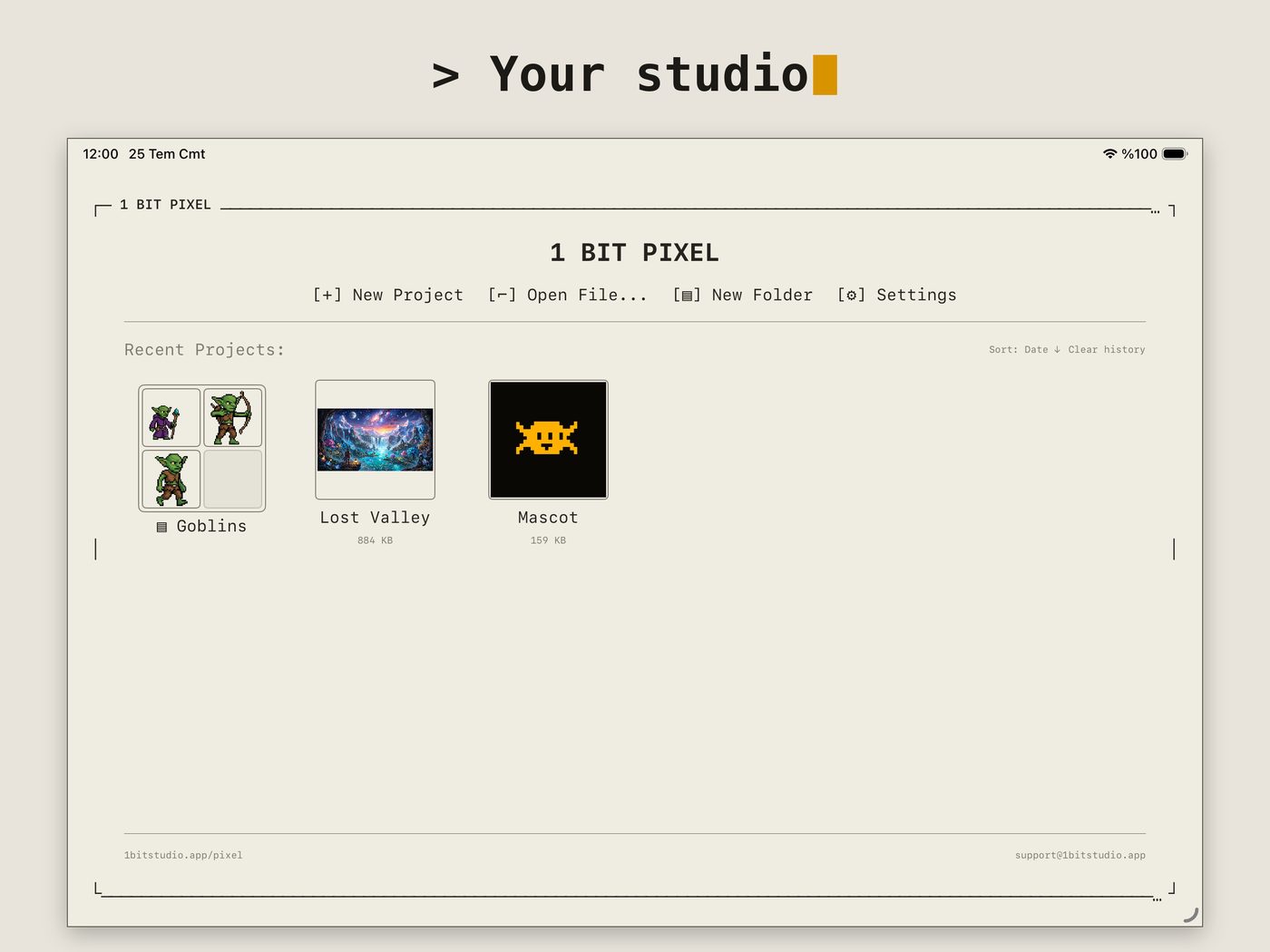
A focused, fast pixel-art and animation studio. Draw with a full set of tools, animate frame by frame, and export to whatever your pipeline needs — with a clean retro interface and no ads, no accounts, no tracking.
// $9.99 · one purchase, no subscription · one app for iPad & Mac
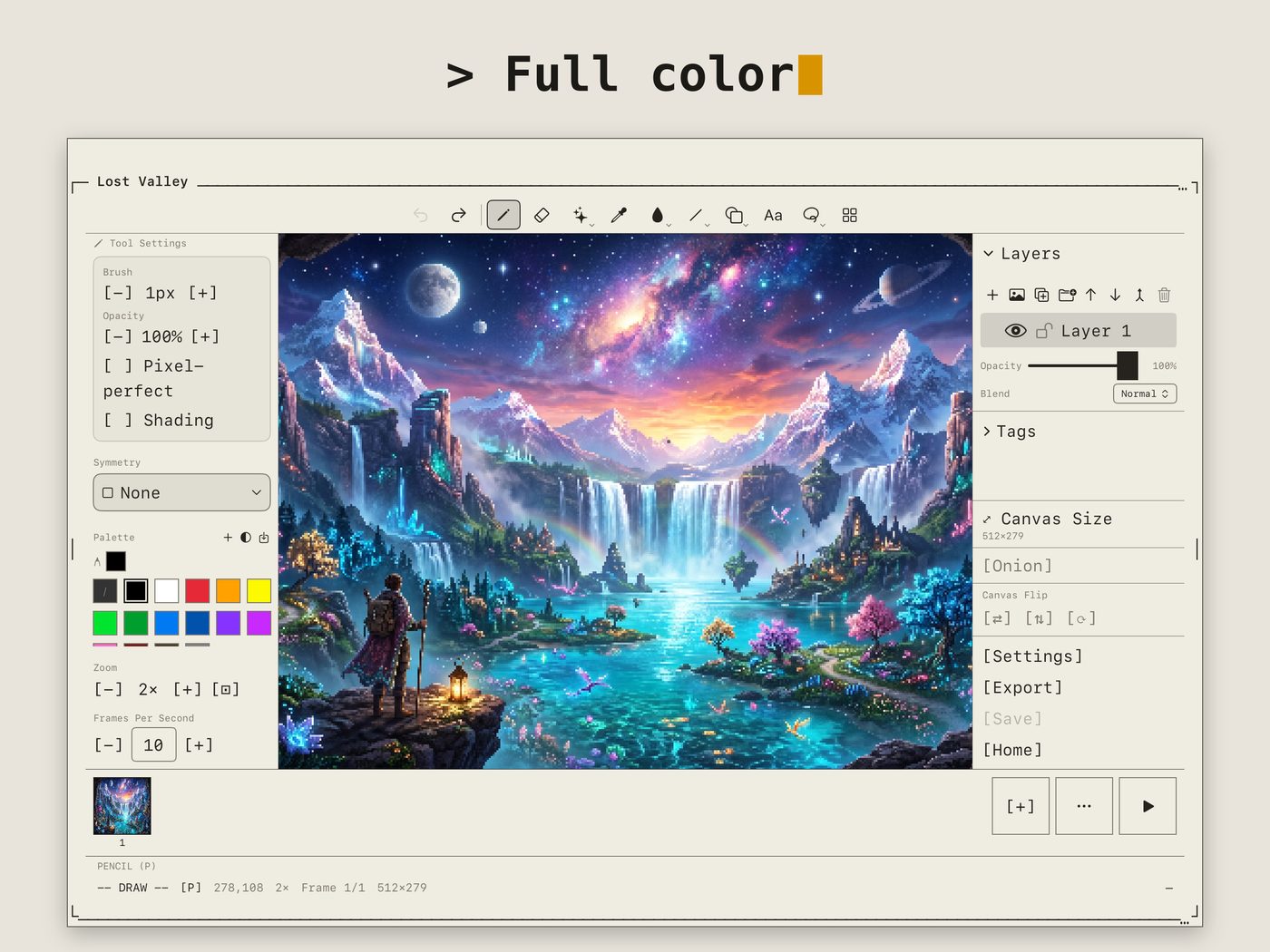
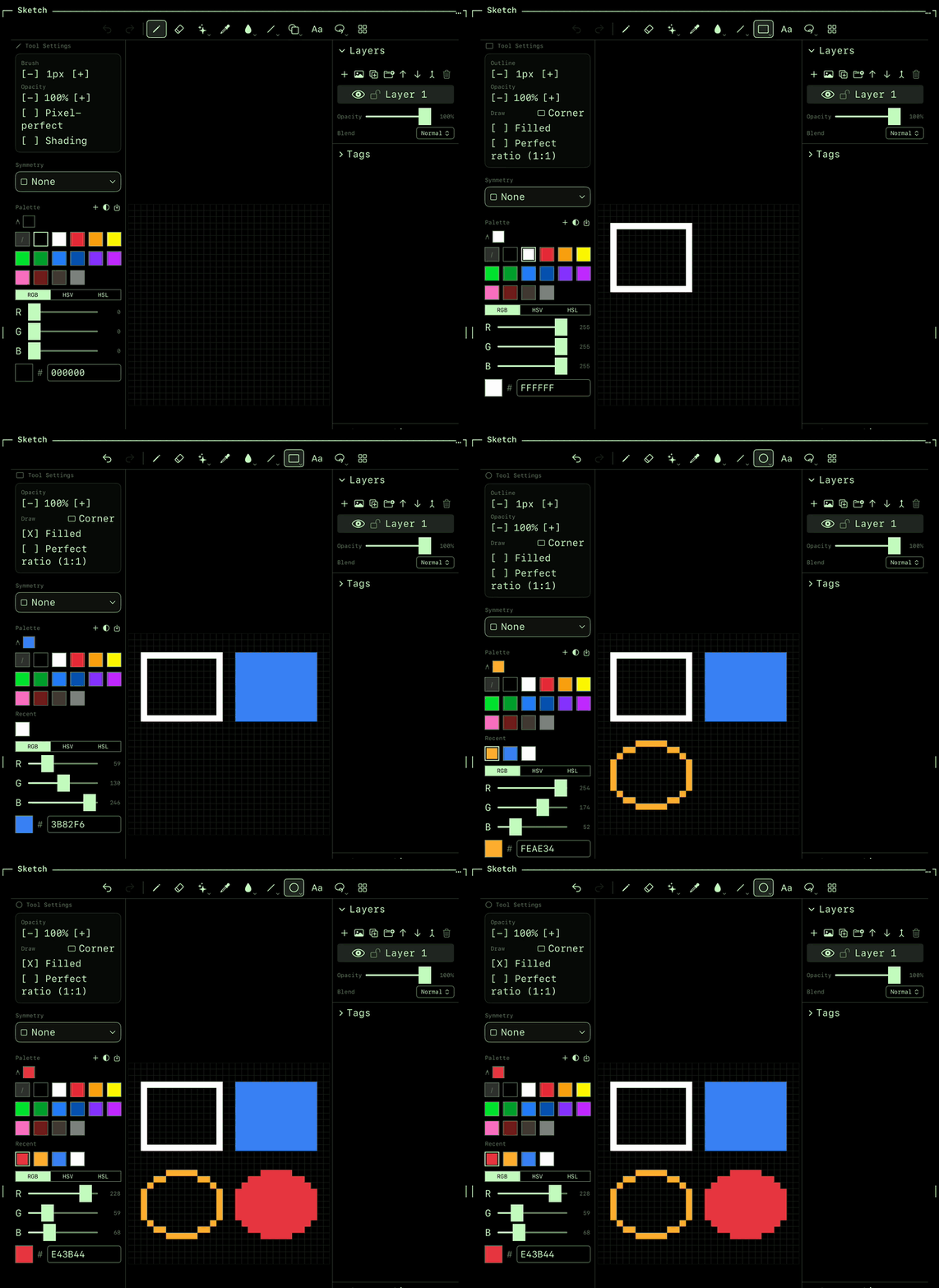
// 01 DRAW
Pencil, eraser, fill, lines, curves, rectangles, ellipses, polygons and stars, plus selection, magic wand, text and stamp.
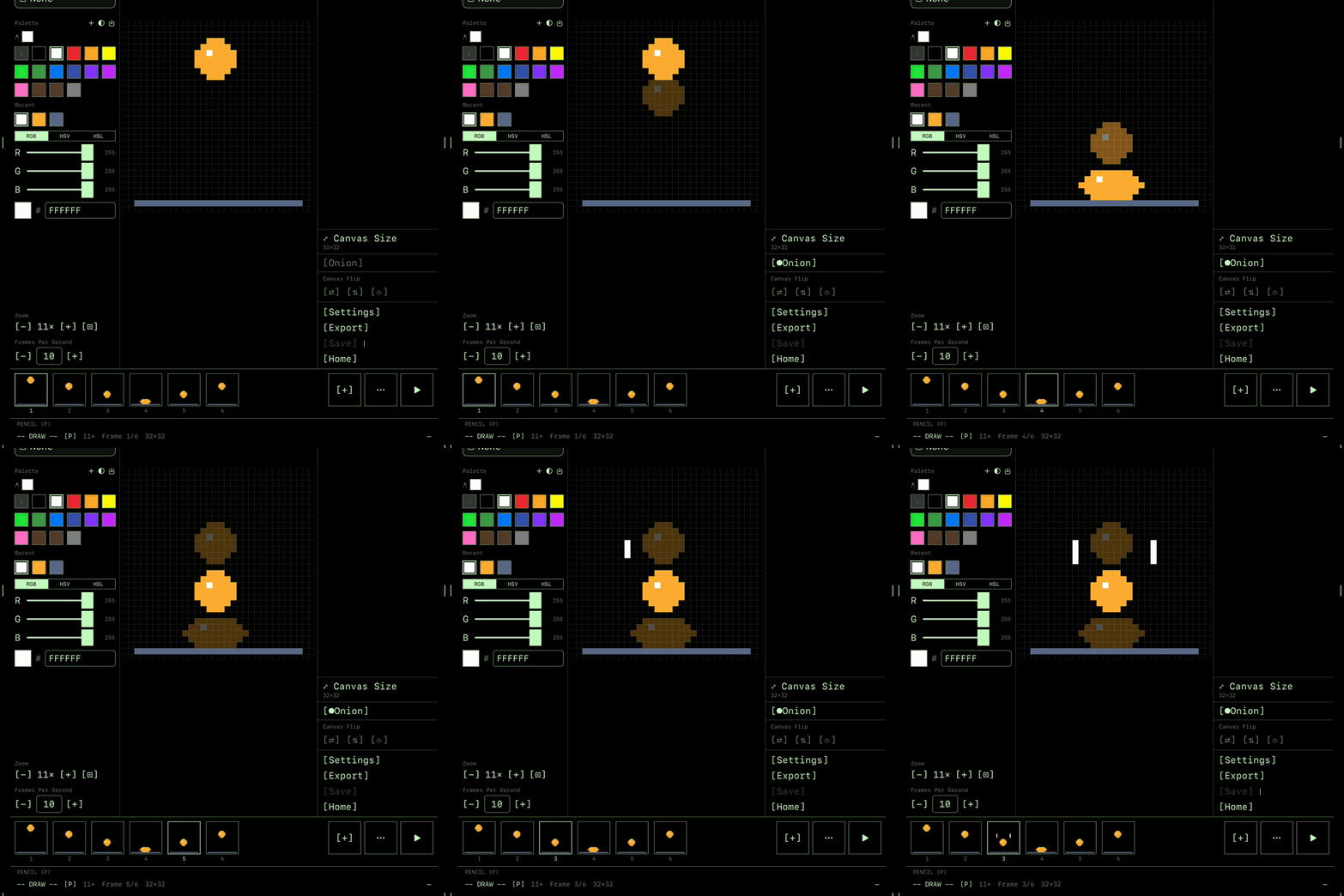
// 02 ANIMATE
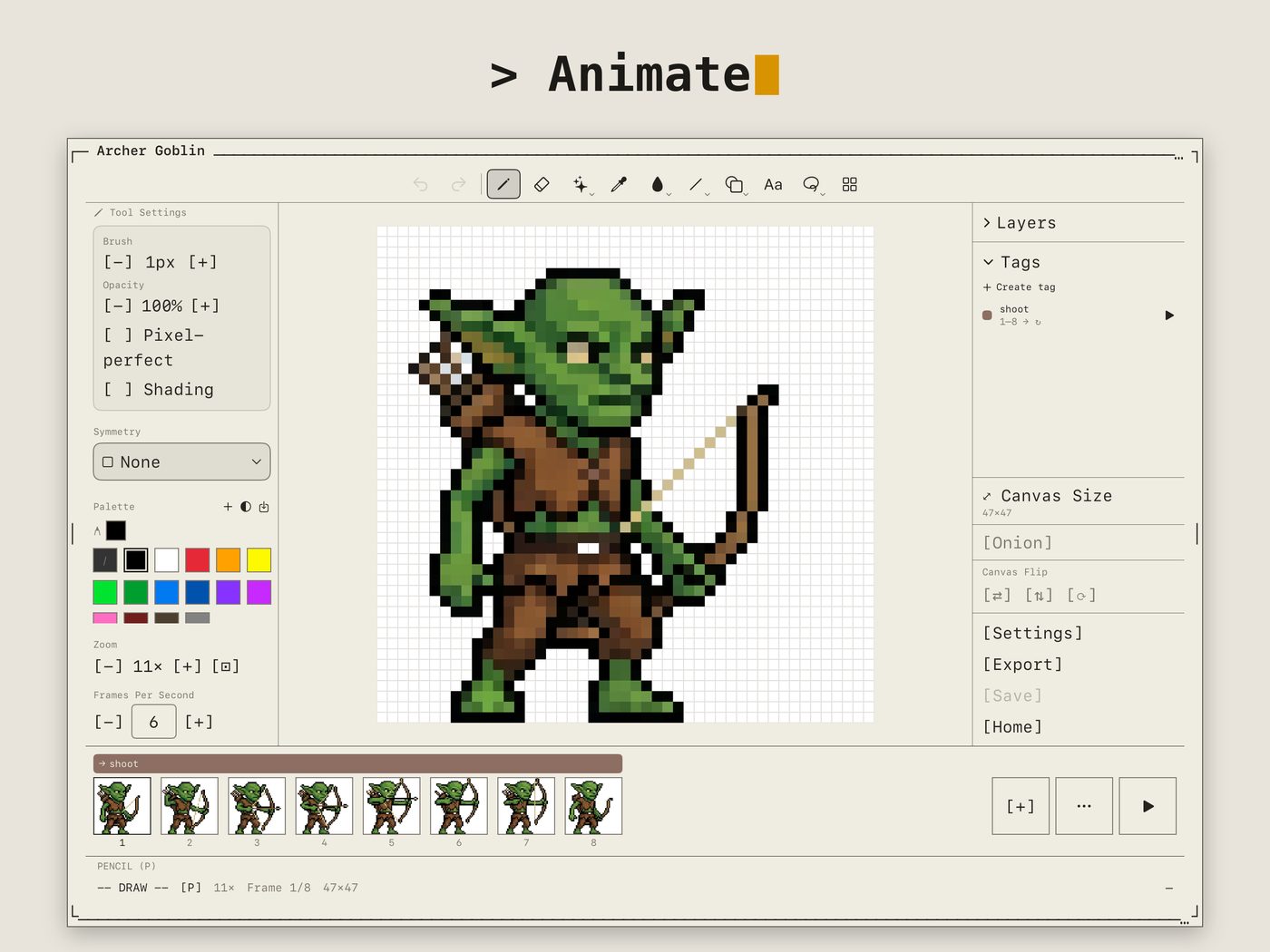
A frame-by-frame timeline with onion skin, so you see the frames before and after while you draw the next one.
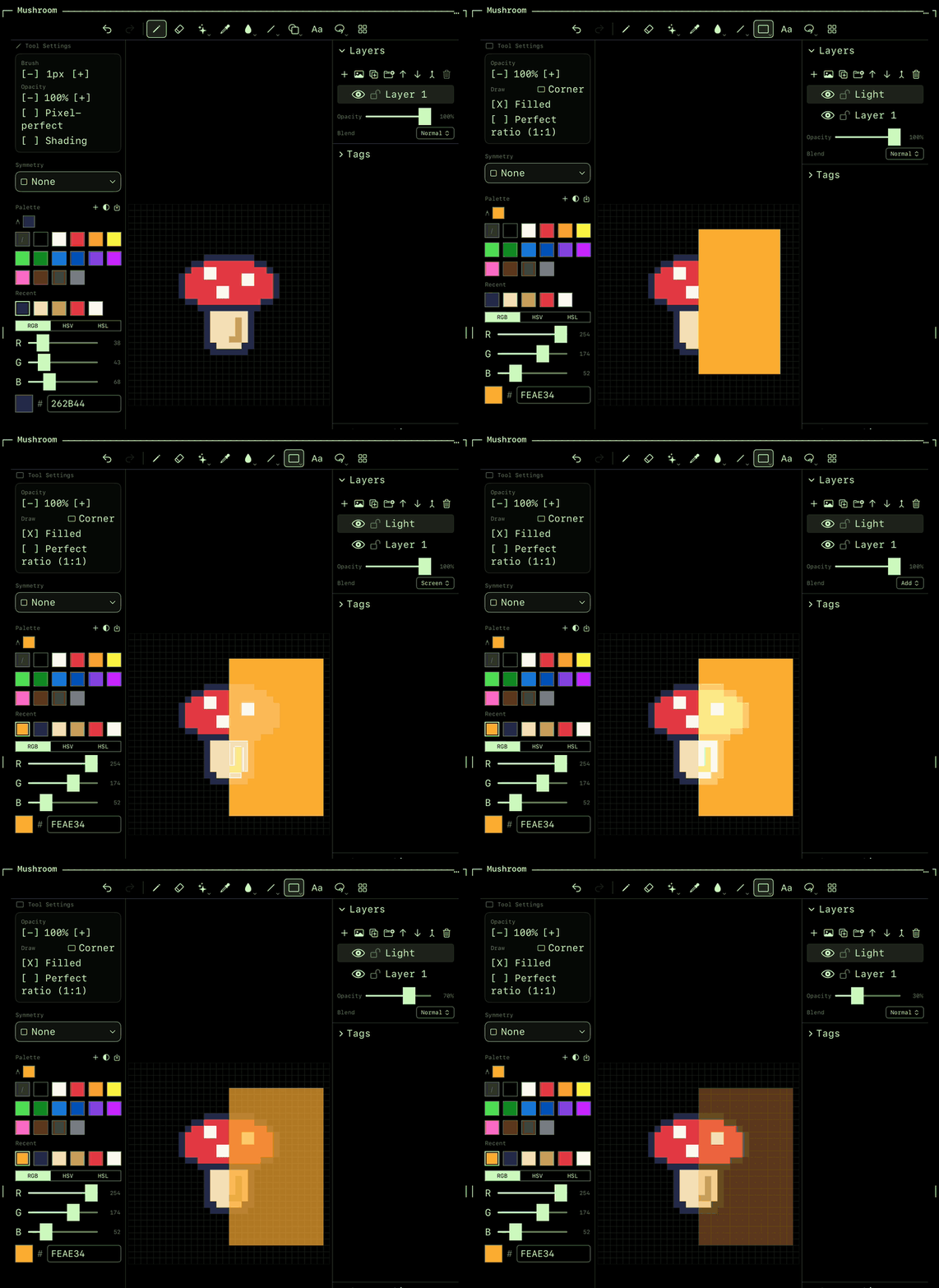
// 03 LAYERS
Unlimited layers and groups, each with its own opacity and one of 19 blend modes.
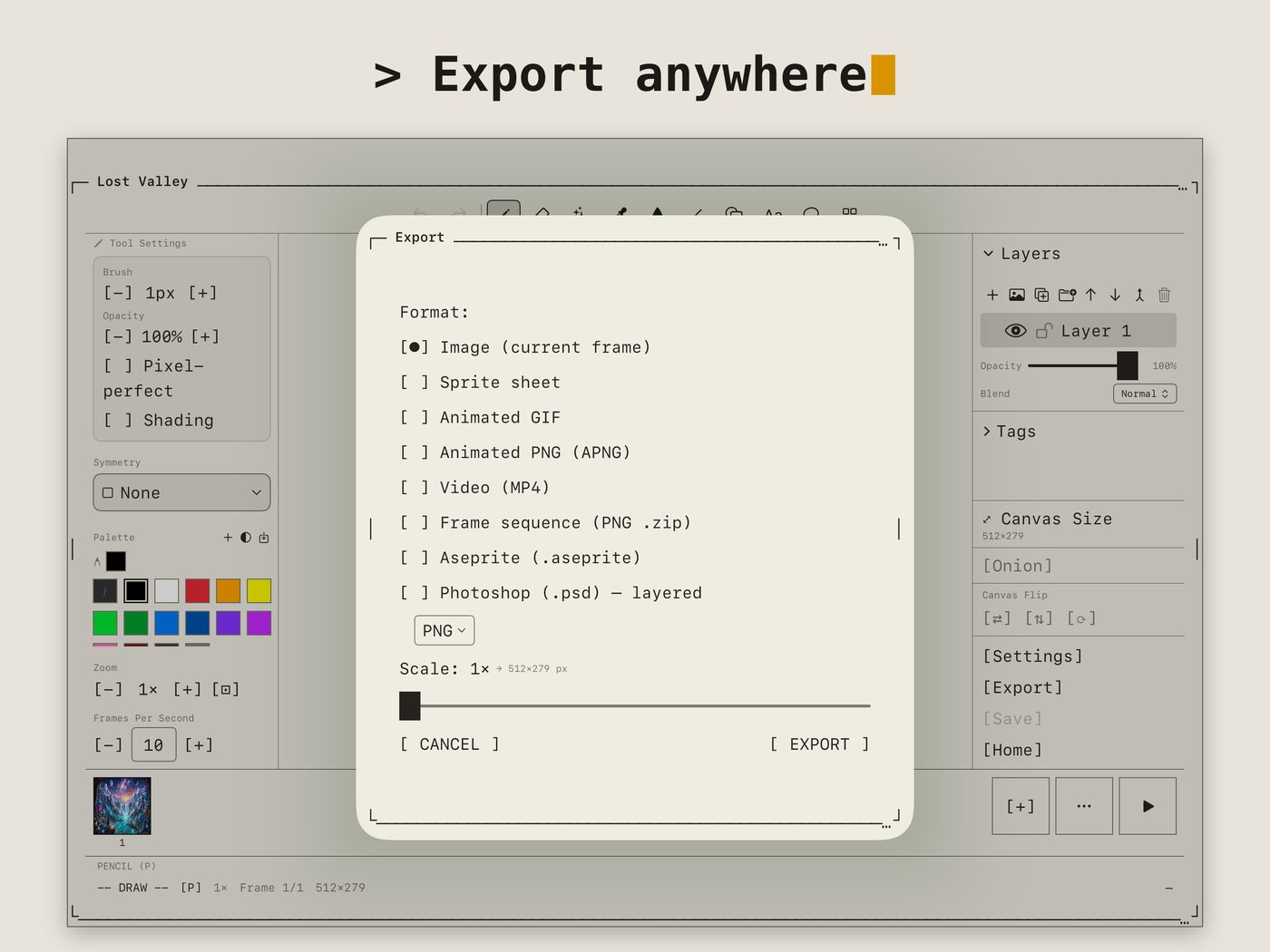
// 04 EXPORT
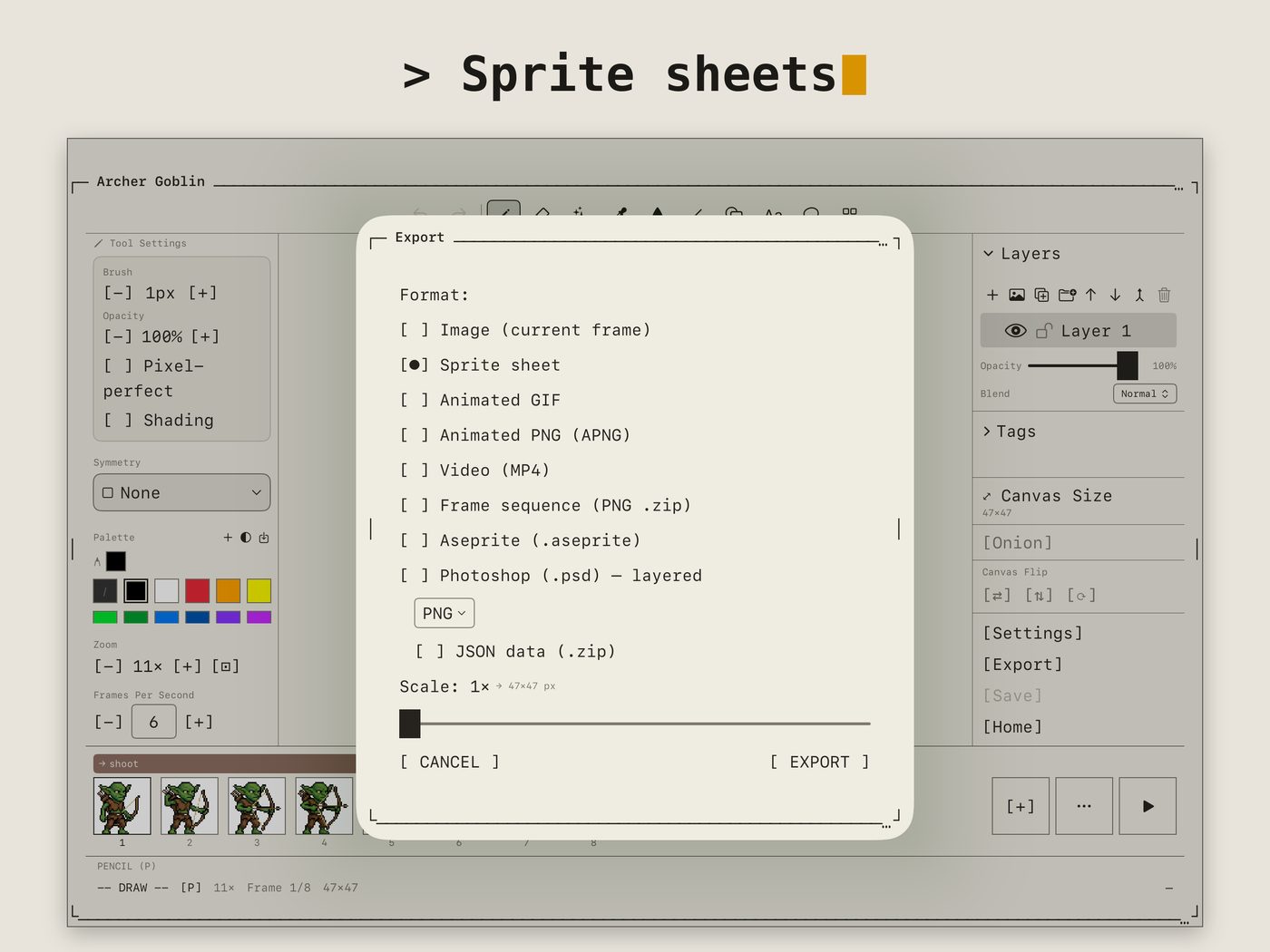
GIF, MP4 and APNG for sharing; sprite sheets with JSON, Aseprite and layered PSD for the rest of your tools.
import & export →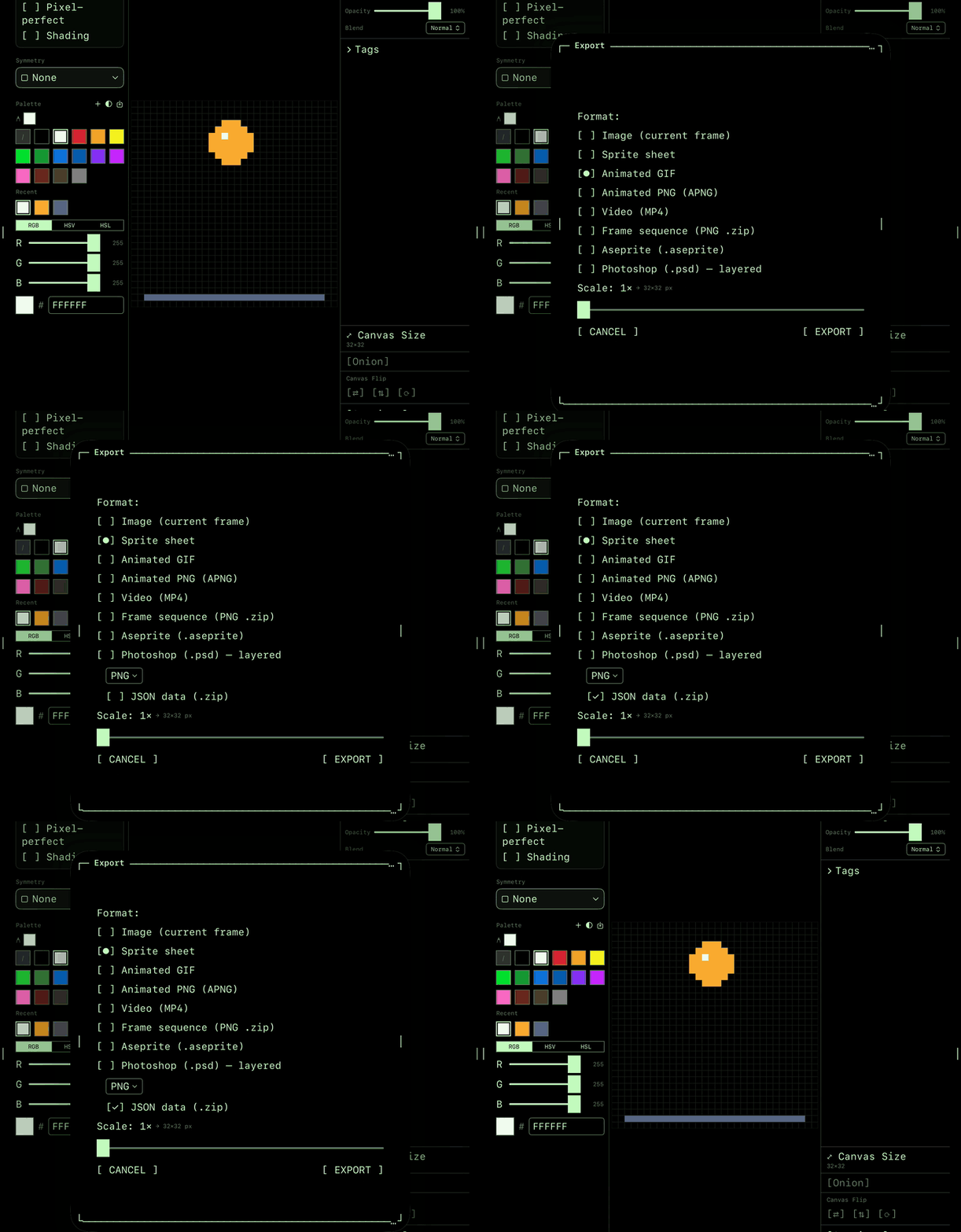
New to it? The How To guides cover every tool with short, illustrated walkthroughs — in 10 languages.
// $9.99 · one purchase, no subscription · no ads, no accounts, no tracking